

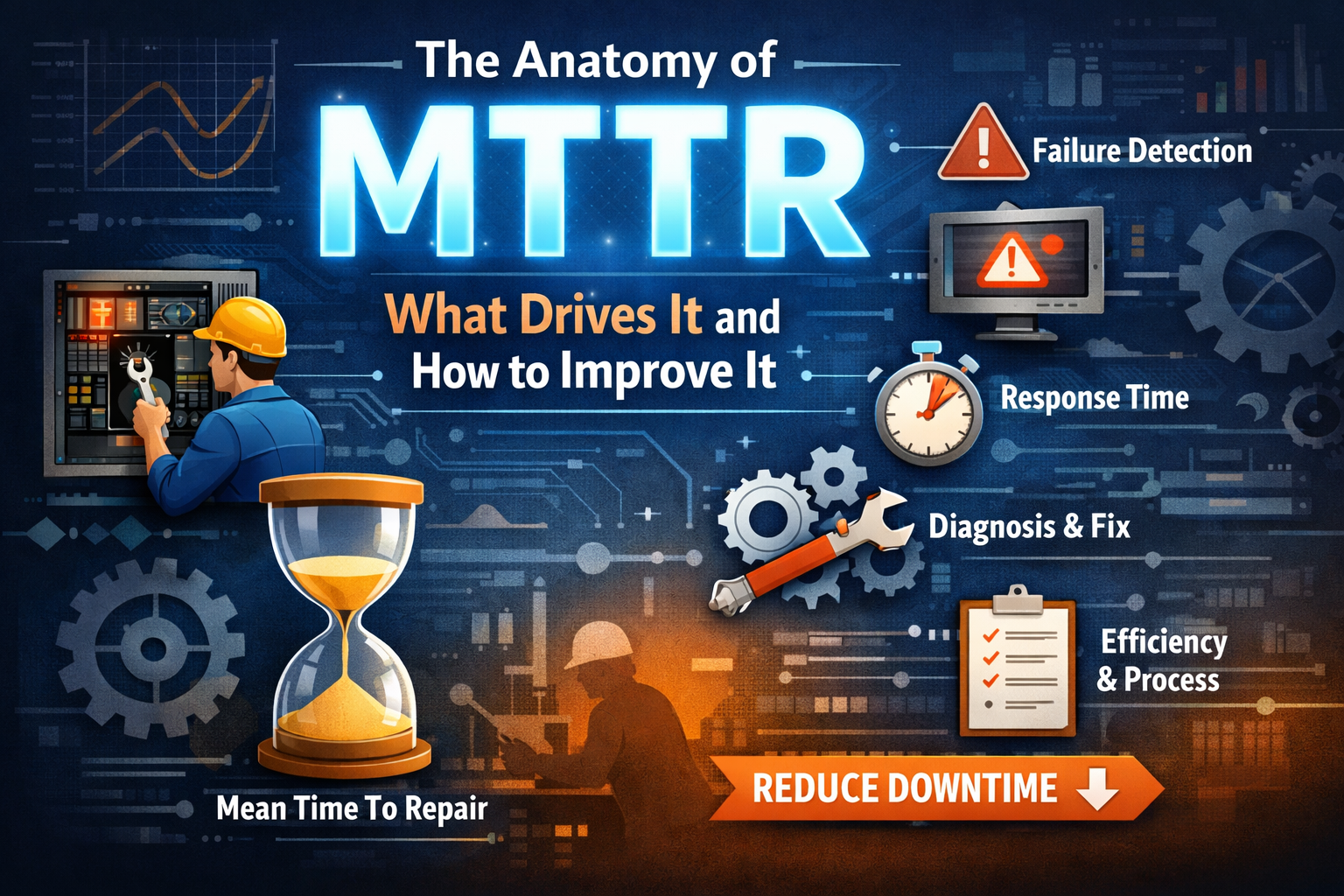

If you’re working in production, you’ve probably heard of MTTR: Mean Time to Resolve/Repair/Recovery. In plain terms, it’s how long your system stays broken before someone gets it working again.
On paper, MTTR is just another metric. In the real world, it’s the difference between a routine Friday and a 2 AM call that ends with five engineers asking, “Is it fixed yet?”
MTTR matters because downtime isn’t just a technical inconvenience. It’s expensive. It drains user trust, team morale, and sometimes the company’s credibility. I’ve seen services stay down for hours not because the issue was complex, but because no one knew where to look or who was supposed to fix it.
Most teams don’t pay attention to MTTR until they’re sitting in a post-incident review trying to explain why it took four hours to restart a failed deployment.
Breaking Down MTTR: The 4 Phases of Recovery
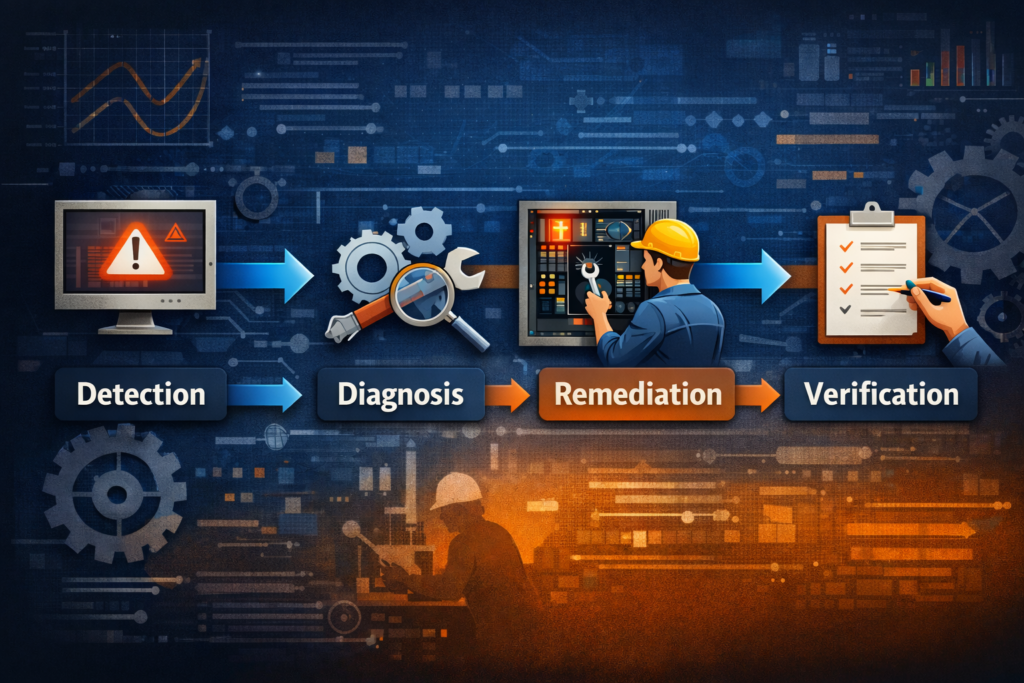
To actually reduce MTTR, you need to understand where time is being lost. MTTR isn’t just one step. It’s the sum of four key stages:
Detection
This is when the system (or someone monitoring it) realizes something has gone wrong. If your monitoring is poor or your alerts are slow or too noisy, this part can eat up precious time before anyone even notices.
Real example: A backend service once died quietly on a Saturday. Our alerts were tuned for CPU spikes. The service crashed, CPU went idle, and we were none the wiser until a customer raised a ticket. That one stung.
Diagnosis
Once you know something’s broken, the next step is figuring out what and why. This is often where MTTR balloons. Disconnected logs, incomplete dashboards, and tribal knowledge hidden in someone’s head who’s on PTO all add friction.
If your team is still asking, “Who owns this service?” during an outage, you’re already in the red.
Remediation
After identifying the problem, it’s time to fix it. That could mean rolling back a release, restarting a container, or pushing a config change. This step should be quick, but if access is restricted or the fix is unclear, it drags.
One time, we had a memory leak introduced via a new feature. The solution was simple: disable it. The hard part was convincing the product team that this “critical enhancement” could wait until after peak hours.
Verification
Just because the alert clears doesn’t mean everything is back to normal. Verifying that the system is healthy and that users aren’t still experiencing issues is the final but critical step.
Skipping this leads to false recoveries and repeat incidents. Declaring things resolved too soon makes for an awkward follow-up call 20 minutes later.
The Hidden Factors That Drive High MTTR
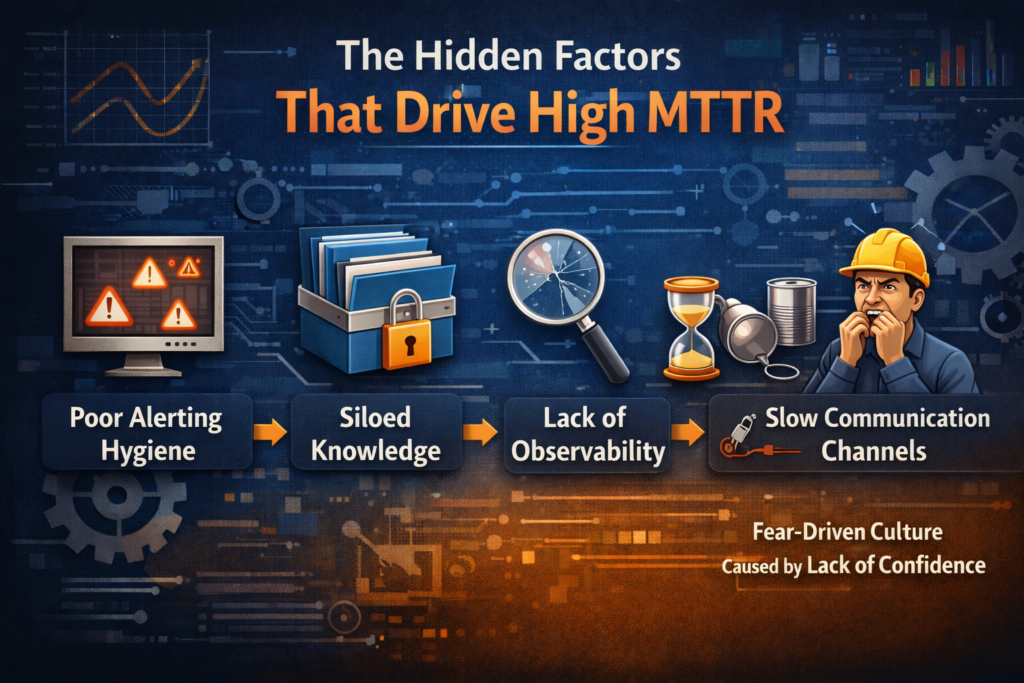
Many teams treat MTTR like a result, but it’s really a symptom. These are the common issues that inflate it behind the scenes:
Poor Alerting Hygiene
If you’re either getting bombarded with useless alerts or getting none at all, your alerting system is doing more harm than good. Teams start ignoring notifications and miss real issues.
Siloed Knowledge
When only one person knows how to fix something, and that person is unreachable, you’re stuck. Tribal knowledge might feel efficient in the short term, but it creates massive bottlenecks during incidents.
Lack of Observability
Without clear metrics, logs, and traces in one place, debugging becomes guesswork. If you can’t see into your system, you can’t fix it quickly. Worse, you might not fix the right thing at all.
Slow Communication Channels
If your incident response still relies on long email threads or waiting for approvals, you’re wasting time. Incident war rooms and real-time messaging channels cut down recovery time significantly.
Fear-Driven Culture Caused by Lack of Confidence
Not all fear in production teams is due to management pressure or blame. Sometimes, it’s internal. Engineers hesitate to touch critical systems because they simply don’t understand them well enough.
If you’re scared to make a change, you’re going to delay. If you’re unsure about dependencies or rollback steps, you’re going to escalate. And if you’re not confident in your tooling, you’re going to wait for someone who is.
This fear is not irrational. It comes from real gaps in training, poor documentation, and environments where people are thrown into on-call rotations without ever getting a chance to safely explore or understand the systems they’re responsible for.
The result? Recovery slows down. People double-check, over-escalate, or just freeze.
Fixing this means investing in onboarding, internal runbooks, simulations, and shared ownership. If only two people know how the database failover works, you have a knowledge problem, not a performance problem.
How MTTR Gets Miscalculated Due to Ticket Closure Delays
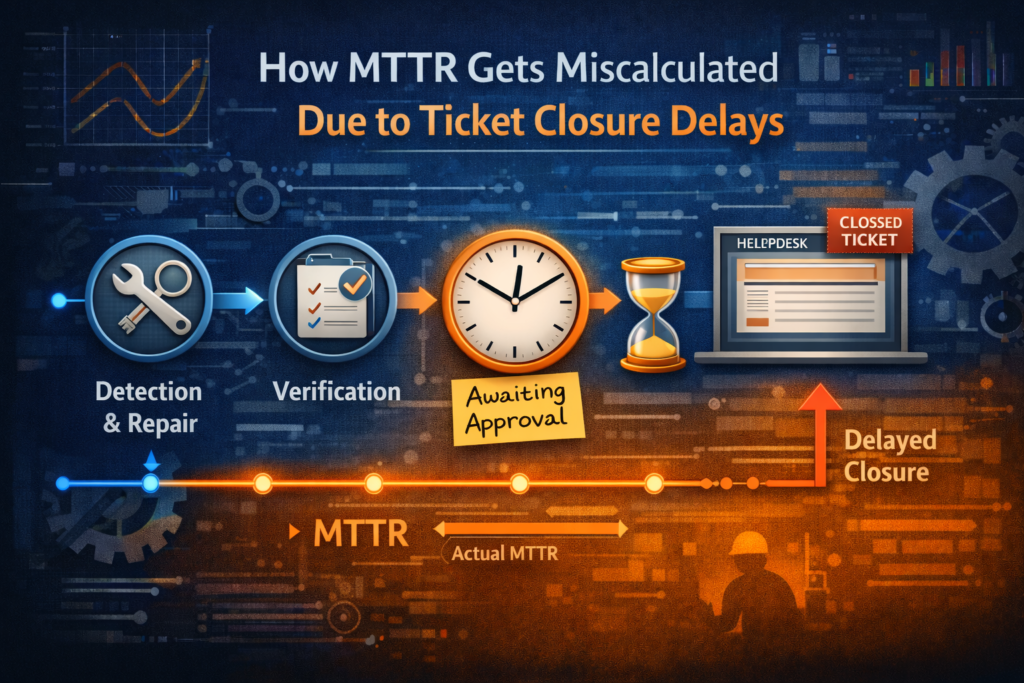
Here’s a problem that doesn’t get discussed enough: MTTR often looks worse than it really is, simply because of how and when tickets or incidents are closed.
This happens more than it should. The issue gets fixed during the incident, the service is restored, but the ticket is still open hours later because:
- Someone forgot to update the status
- The change request needed to be formally approved before closure
- The postmortem was pending
- The incident manager was off shift and the baton never got passed
Now, on paper, it looks like the outage lasted six hours, even though production was back in under 30 minutes. That leads to inaccurate MTTR metrics, which then feed into quarterly reports, dashboards, and even performance reviews.
It also causes a false sense of improvement when the reverse happens. If a ticket is closed quickly, but the problem wasn’t truly resolved, MTTR looks great but users are still impacted.
To get MTTR right, you need to decouple it from administrative timelines. Use timestamps from monitoring tools to measure real recovery time, from impact to resolution and not from ticket creation to ticket closure.
In incident reports, always include actual recovery time versus ticket resolution time as separate fields. This avoids skewed metrics and gives you the insight needed to improve processes where they matter most.
Proven Strategies to Reduce MTTR in Real Environments
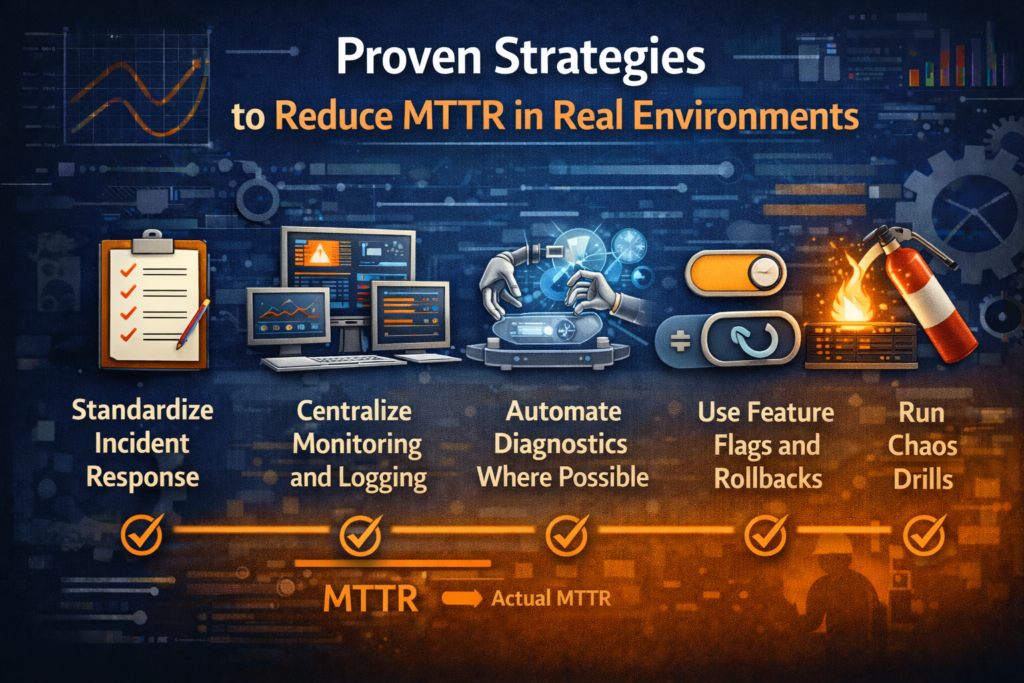
Reducing MTTR isn’t about finding the perfect tool. It’s about getting the fundamentals right. Here are some things I’ve seen work in real production environments.
Standardize Incident Response
Create incident playbooks. Define roles clearly. Everyone should know what to do when things go sideways. Practice with simulated incidents so no one freezes when the real thing hits.
Centralize Monitoring and Logging
Put everything in one place. If engineers are switching between five dashboards during an outage, you’re burning time. One interface with correlated logs, metrics, and alerts can reduce confusion and response time.
Automate Diagnostics Where Possible
Add context to alerts. Automatically post log excerpts, recent deployments, or metrics anomalies to your incident channel. The less time you spend digging, the faster you recover.
One of the best things we implemented was automatic alert triage in Slack. Alerts came with suggested root causes based on past incidents. It wasn’t perfect, but it made a difference.
Use Feature Flags and Rollbacks
Deploy behind feature flags. If something breaks, you don’t need to redeploy. Just turn it off. Rollbacks should be fast, safe, and automated wherever possible.
Run Chaos Drills
Break things on purpose in staging. Test how fast your team can detect and recover. It’s uncomfortable, but you learn more from one good chaos drill than a dozen postmortems.
Culture Over Code: Why Your Team’s Behavior Affects MTTR
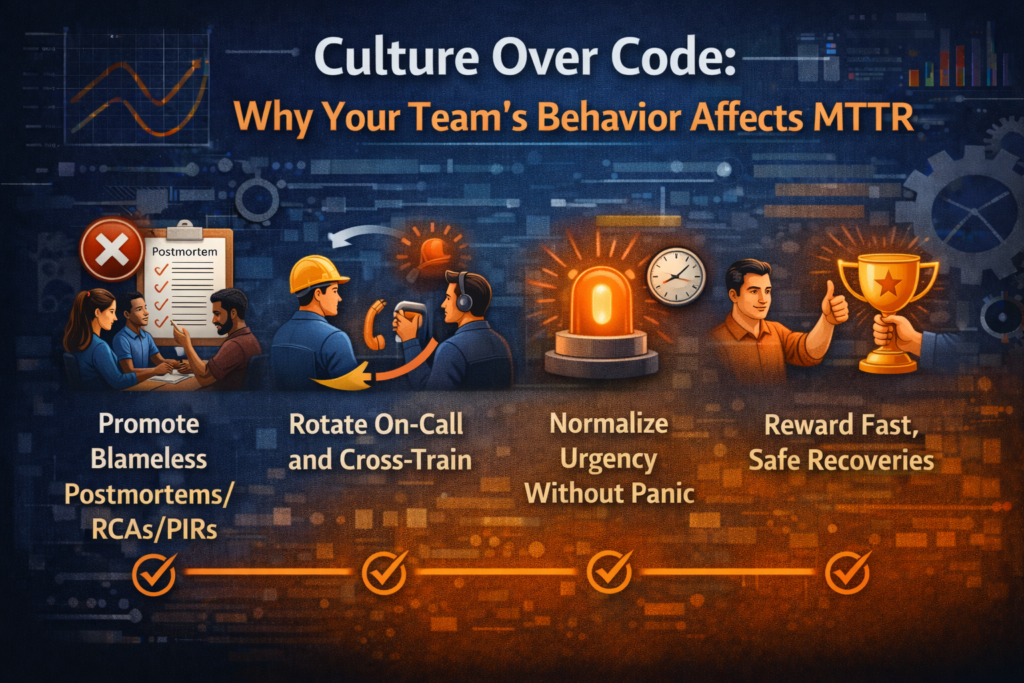
You can’t fix MTTR just by buying better tools. Culture plays a bigger role than most teams admit.
Promote Blameless Postmortems
If your team is scared to admit they deployed a bad config, they won’t speak up during an incident. That slows everything down. Create a safe space for learning, not finger-pointing.
Rotate On-Call and Cross-Train
Make sure knowledge is spread across the team. If only one person can fix a critical service, you’re in trouble. Cross-training improves resilience and reduces recovery time.
Normalize Urgency Without Panic
Speed is important, but so is clarity. Teams that stay calm under pressure tend to recover faster. This only happens when roles are defined and processes are practiced.
Reward Fast, Safe Recoveries
Celebrate teams that handle incidents well. Don’t just reward uptime. Systems will fail. The goal is to recover fast without making things worse.
Closing Thoughts
Reducing MTTR is not about eliminating every incident. It’s about building systems and teams that bounce back quickly when things go wrong.
As someone who’s been in more than one war room at odd hours, I’ll say this: incidents are inevitable. Fast recovery is where your team proves its value.
MTTR is only meaningful if you’re measuring it correctly and driving toward the right behavior. Fix how you detect, how you respond, and how you close the loop. Don’t let a ticketing system define how reliable your platform looks.
Focus on clarity. Document your response. Cross-train your people. Automate what you can. And keep a close eye on what’s really driving your MTTR.
Your systems will thank you. Your users will thank you. And most importantly, your sleep schedule might just survive another year.